![Chaser-logo-new-white.svg]](https://help.chaserhq.com/hubfs/09%20CHASCEND%20THEME/Logos/Chaser%20Logo/Chaser-logo-new-white.svg)
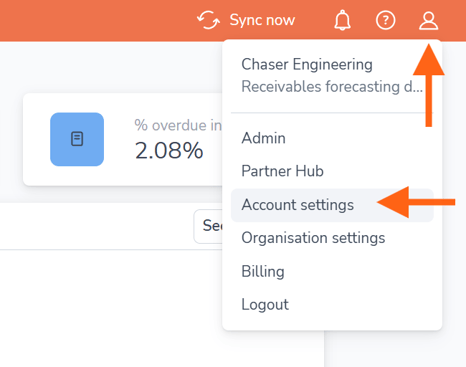
To update your first name or last name first navigate to the profile icon in the top right corner of the menu bar and select Account settings
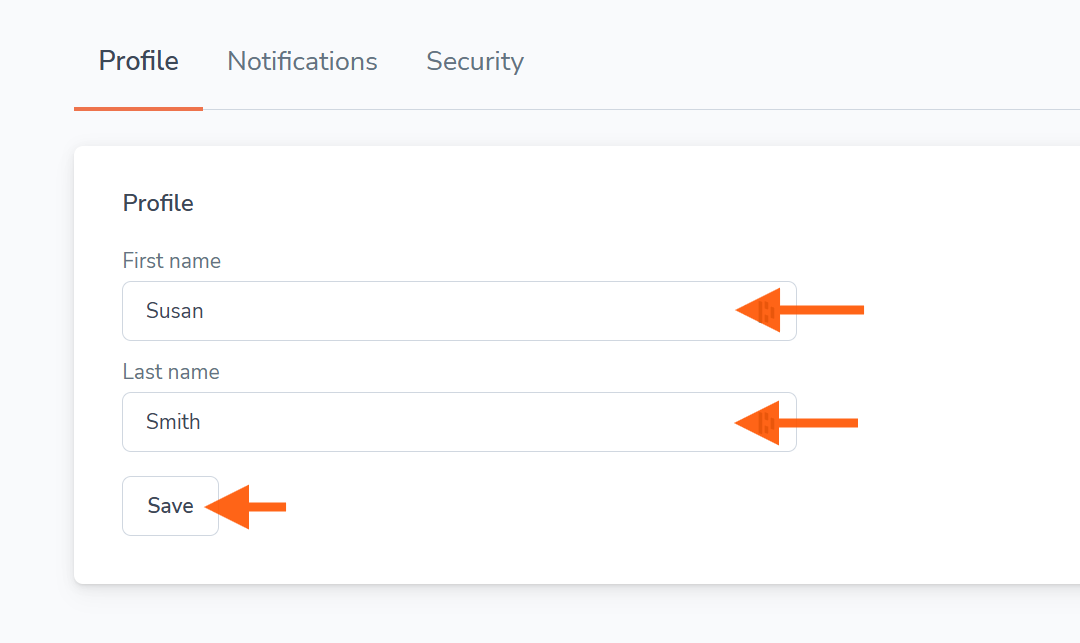
In Account settings navigate to the Profile tab. You can now update your first name or last name. Select Save.